Administrators can publish REST endpoints from the internal portal without writing code. Each endpoint runs an App Maker rule, and external systems call it as API clients authenticated with OAuth 2.0 client credentials.
Where endpoints are managed
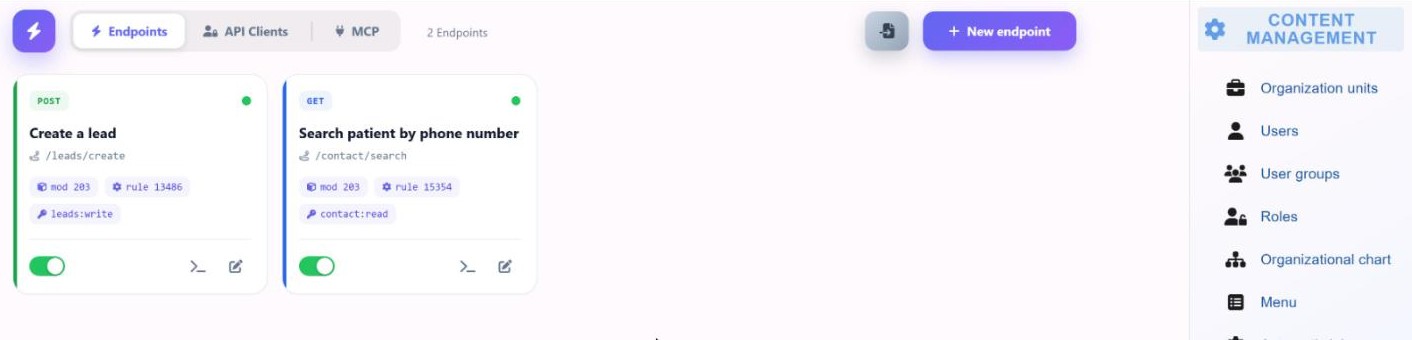
Endpoints are managed in the internal portal, in Content management › Endpoints. The screen has three tabs: Endpoints, API clients and MCP. Only users with the Security administrator role can manage them; the API bridge checks the role on the signed-in portal session.
The API bridge is the component that serves published endpoints. It keeps its configuration and invocation logs in its own PostgreSQL database and handles its own security, rate limiting and logging.
Defining an endpoint
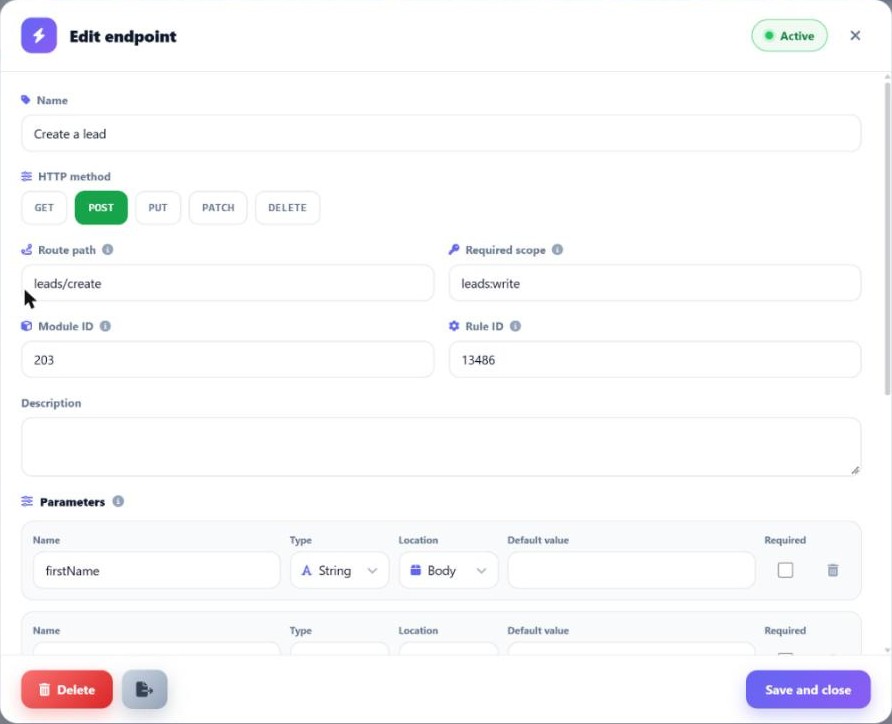
Each endpoint appears as a card with its method, name, route and the rule it runs.
| Setting | Purpose |
|---|---|
| HTTP method | GET, POST, PUT, PATCH or DELETE |
| Name | Identifies the endpoint in the portal |
| Route | The path under the public API prefix where the endpoint is published |
| Module and rule | The App Maker module and rule that run when the endpoint is called |
| Parameters | Typed parameters, which can be nested; requests are validated against them |
| Required scope | The scope a client token must carry to call the endpoint |
| Enabled | A toggle that publishes or withdraws the endpoint |
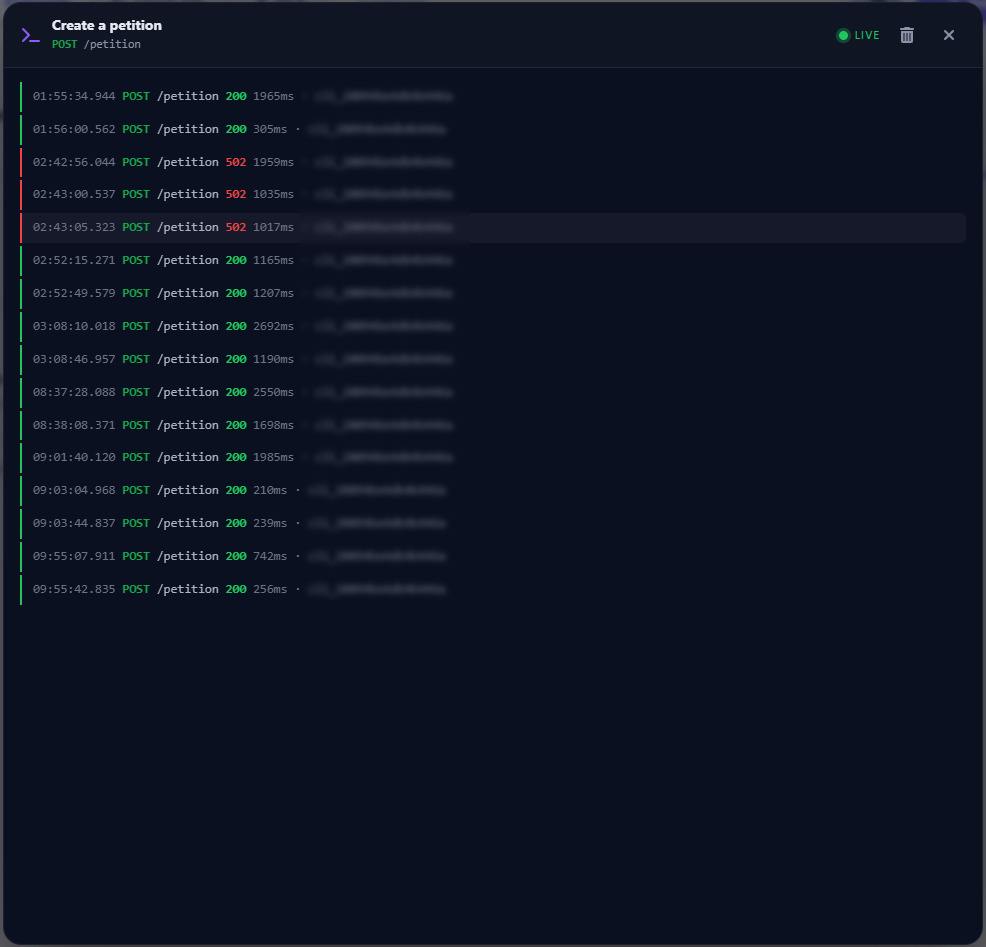
| Live console | Shows the endpoint's calls as they happen |
The business logic stays in App Maker rules. An endpoint only decides who can call a rule, with which parameters and on which route.
How a call is processed
- The external system requests a token from
/oauth/tokenwith the client credentials grant. - The bridge returns a short-lived JWT that carries the client's scopes.
- The system calls the endpoint route with the token in the
Authorization: Bearerheader. - The bridge validates the token, the required scope and the parameters.
- The bridge runs the module and rule on the App Maker Engine and returns the result.
Example call to a published POST endpoint, once a token has been obtained:
curl -X POST https://<your-portal>/public-api/<route> \
  -H "Authorization: Bearer <token>" -H "Content-Type: application/json" \
  -d '{ ... }'
API clients
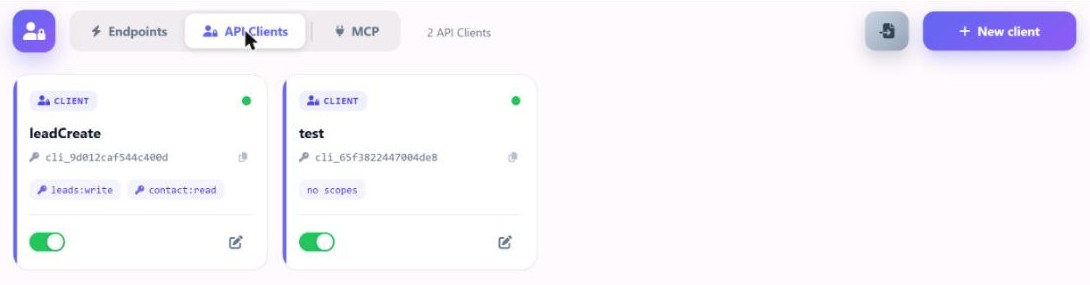
An API client represents an external system. It is created in the API clients tab and receives credentials for the OAuth 2.0 client credentials grant. Each client has a set of scopes, and a client can call only the endpoints whose required scope it holds.
Tokens are JWTs signed by the bridge and valid for a short time. When a token expires, the client requests a new one with its credentials.
Rate limiting
Each API client has its own request limit per minute, applied with a token bucket. The limit is set in the bridge configuration and applies to every client separately.
Invocation logs
Every call is logged in the bridge's database. The logs are streamed live to the console in the portal, so administrators can follow calls as they arrive. The same log also records the calls made through the MCP server.
Deployment
The bridge routes sit outside the paths of the API Gateway. A reverse proxy sends the public API, OAuth and bridge paths to the bridge and everything else to the API Gateway. The bridge calls the App Maker Engine directly over the internal network.